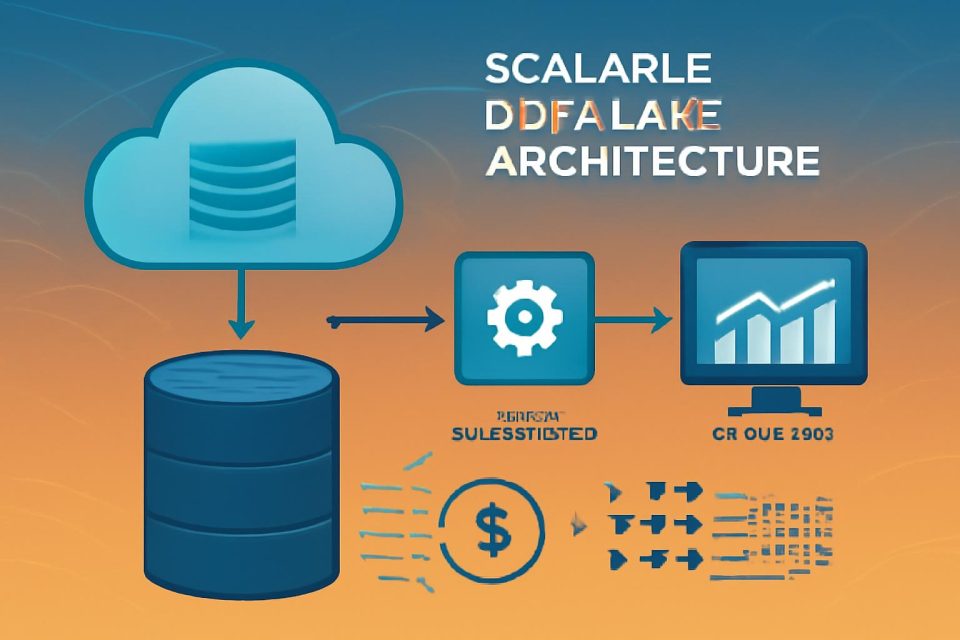
The increasing volume, variety, and velocity of data necessitate robust architectures for efficient management and analysis. This article outlines a solution that integrates Apache Iceberg, Data Build Tool (dbt), and Amazon EMR to establish a scalable, ACID-compliant transactional data lake. This architecture allows for simultaneous transaction processing and data analysis, ensuring accuracy and real-time insights for enhanced decision-making.
Addressing Traditional Data Lake Challenges
Traditional data lakes often face significant limitations, including a lack of ACID compliance, data inconsistencies during concurrent writes, and challenges with schema evolution. These issues hinder businesses that require concurrent read/write support and robust data versioning. Modern solutions leverage ACID transactions, optimized storage formats with Apache Iceberg, and streamlined maintenance to create a reliable data lake architecture that meets both operational and analytical needs.
Solution Architecture Overview
The proposed solution consists of four integrated layers:
- Storage Layer: Raw data is ingested and stored in Amazon S3, which supports various data formats and efficient partitioning through Apache Iceberg.
- Processing Layer: Amazon EMR acts as the distributed computing engine, utilizing Apache Spark for large-scale data processing.
- Transformation Layer: dbt applies SQL-based transformations to convert raw data into curated datasets, ensuring ACID compliance and schema consistency.
- Consumption Layer: Curated data is made available for querying through Amazon Athena, enabling analysts to run interactive SQL queries without managing infrastructure.
Prerequisites for Implementation
Before implementing the solution, ensure the following prerequisites are met:
- AWS Account: An active account with permissions to manage EMR clusters and S3 buckets.
- IAM Roles: Proper IAM roles for EMR and EC2 must be established.
- AWS CLI: Installed and configured for your AWS account.
- Python and Pip: Required for setting up the dbt environment.
- Git: Installed for version control.
- Amazon Athena: Query editor access with a configured S3 output location.
- AWS Glue Data Catalog: Enabled for EMR and Athena.
- Network Access: Ensure connectivity to the EMR primary node.
Step-by-Step Implementation Guide
1. Environment Setup
- Install the AWS CLI and configure it for your AWS account.
- Create an EMR cluster with the necessary configurations.
- Set up S3 buckets for raw, curated, and analytics data.
2. Raw Layer Implementation
This layer ingests and stores data in its original form, maintaining data lineage. Utilize Apache Iceberg tables for raw data storage, which supports ACID transactions and schema evolution.
3. dbt Setup and Configuration
Install dbt and configure the connection to Amazon EMR. Set up the project structure and define transformation logic.
4. Data Quality and Maintenance
Implement data quality checks within dbt to ensure model integrity. Regular maintenance procedures, including table optimization and snapshot management, are essential for performance.
Conclusion
This guide demonstrates how to create a transactional data lake using Amazon EMR, dbt, and Apache Iceberg. This architecture not only enhances data management but also provides a reliable platform for analytics. For further exploration, refer to the Amazon EMR documentation to deploy this architecture in your environment.