In July 2025, we launched the Markdown editor to enhance large text fields in work items. Since then, we have gathered valuable feedback from customers regarding the editing experience.
Users reported that the current interaction model was often confusing and disruptive, particularly when switching between edit and preview modes. For instance, entering edit mode through actions like double-clicking was unexpected and interrupted the reading flow.
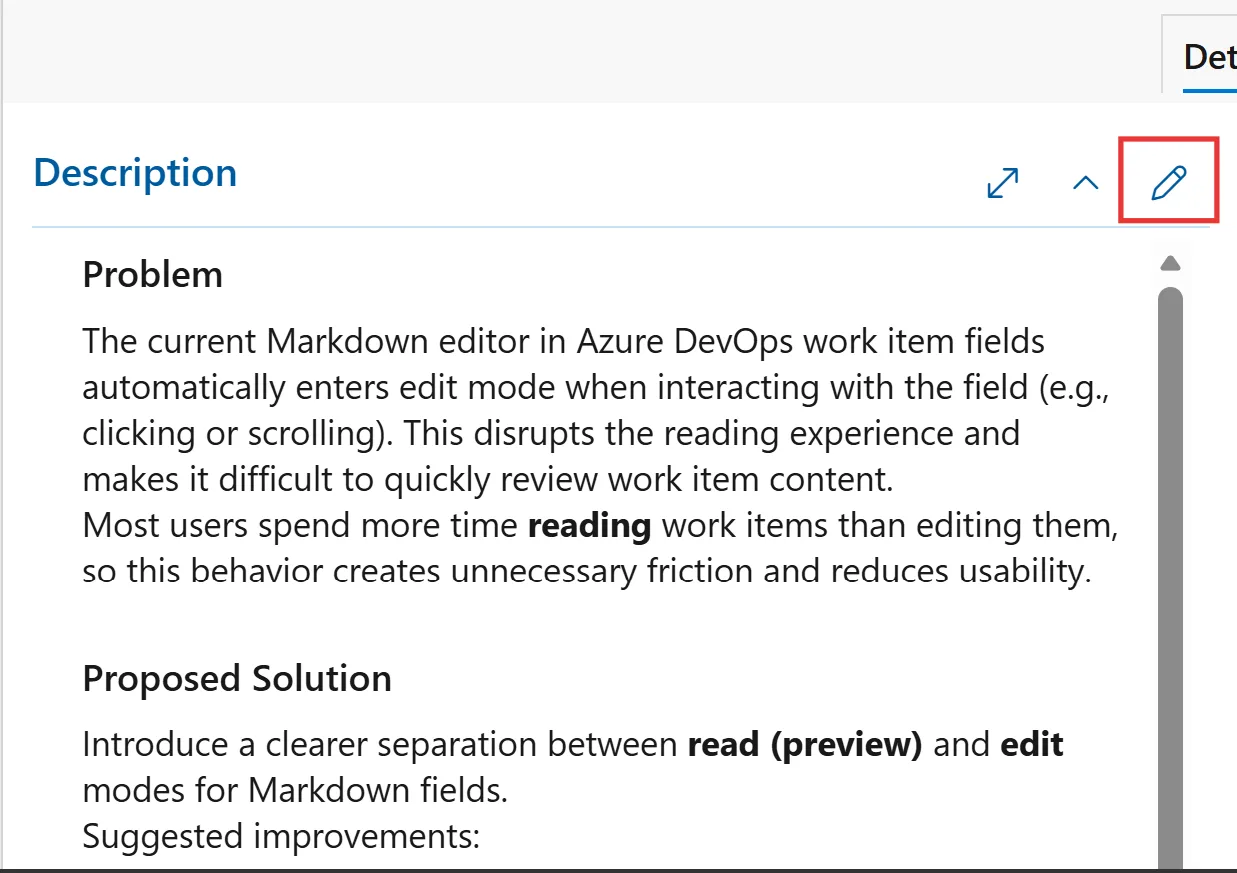
To improve usability, we have introduced a clearer separation between preview and edit modes for large text fields:
- Fields now open in preview mode by default, allowing users to read and interact with content without unintentionally entering edit mode.
- To edit, users can click the edit icon at the top of the field, facilitating a more intentional transition into editing.
- After making changes, users can easily exit edit mode and return to preview mode.
This adjustment aligns with how most users prefer to engage with Markdown editors, reducing accidental edits and enhancing the overall experience.
We have begun rolling out these improvements to a select group of customers and received positive feedback. Based on this response, we plan to expand the rollout to all customers in the next two to three weeks.