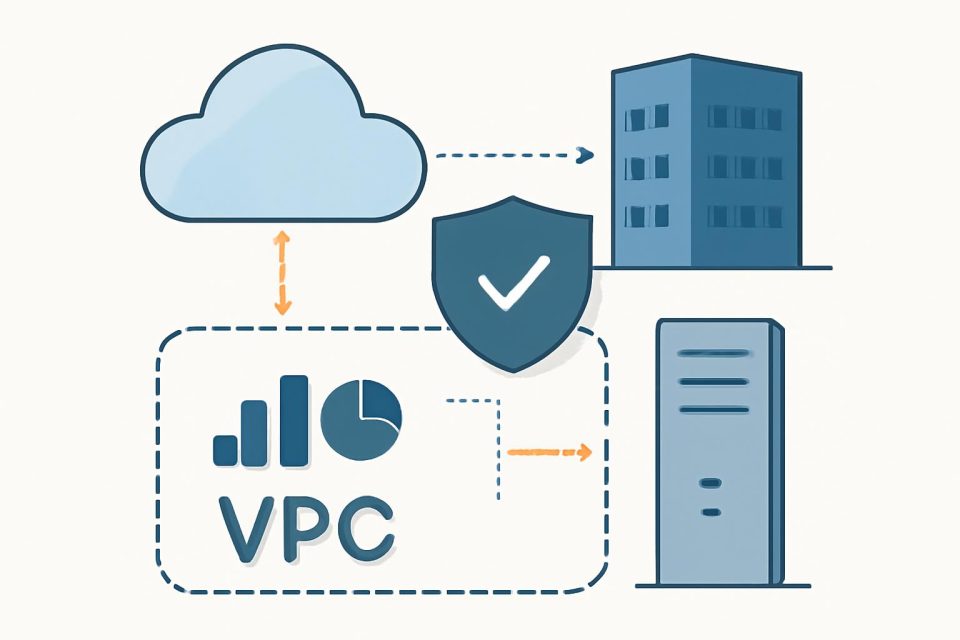
Organizations leveraging Amazon SageMaker Unified Studio often seek enhanced control over their network infrastructure, particularly to adhere to security and regulatory standards like HIPAA or FedRAMP. This guide outlines how to establish an air-gapped Virtual Private Cloud (VPC) to facilitate these needs.
Understanding the Air-Gapped Architecture
The proposed solution utilizes a fully private network architecture via Amazon VPC, ensuring no public internet exposure. By employing AWS PrivateLink and VPC endpoints, secure communication between SageMaker Unified Studio and essential AWS services is maintained over the AWS backbone network.
Core Components of the Architecture
- Custom VPC: Named airgapped, featuring multiple private subnets across at least three Availability Zones for high availability.
- Service Connectivity: A comprehensive array of VPC interface and gateway endpoints.
- SageMaker Configuration: The domain operates exclusively within this isolated environment.
Benefits of an Air-Gapped Configuration
Implementing this setup allows organizations to:
- Gain granular control over network traffic.
- Simplify compliance auditing.
- Integrate SageMaker Unified Studio with existing private data sources.
Setting Up Your VPC
To begin, an existing VPC is required. For those without one, a quick setup guide for creating a SageMaker Unified Studio domain is available. The essential steps to create a compliant VPC include:
- Define your VPC and subnets.
- Create necessary VPC endpoints.
- Configure security groups and network settings.
VPC Endpoints for SageMaker Unified Studio
To facilitate the use of tools within SageMaker Unified Studio, the following VPC endpoints are mandatory:
- S3 Gateway
- DataZone
- STS Interface Endpoints
Additional service-specific endpoints may be required based on operational needs.
Best Practices for Different Use Cases
Organizations should consider the following best practices based on their use case:
- Production and Enterprise: Implement strict network controls to meet compliance requirements.
- Testing and Non-Production: Utilize automated setups for rapid experimentation, though these may include an Internet Gateway.
- Private Networking: Ensure essential service endpoints are in place for secure access to AWS services.
- External Data Sources: Plan connectivity for third-party systems while adhering to security policies.
Conclusion
This guide has detailed the process of utilizing a custom VPC for Amazon SageMaker Unified Studio, emphasizing the importance of VPC endpoints in maintaining security and compliance. While the initial setup may be more complex than using a quick create option, it offers the flexibility and control necessary for effective data science and analytics workflows.
For further information, consult the Implementing Multi-Account Deployments in Amazon SageMaker Unified Studio and Streamlining Data Classification with Amazon SageMaker Catalog.