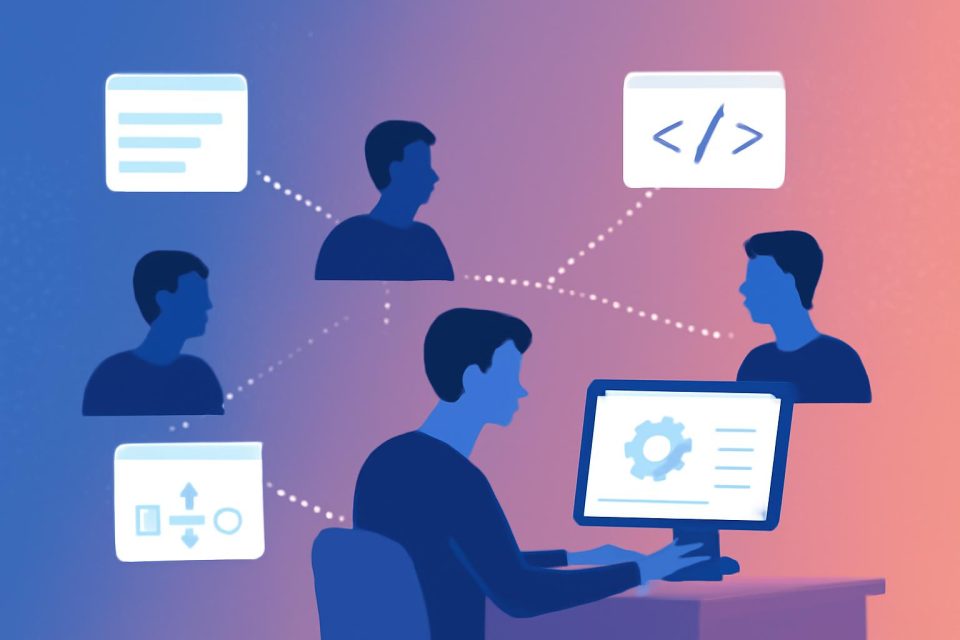
Claude Code enhances productivity by allowing users to delegate tasks to subagents, which operate independently within their own context windows. This feature is particularly beneficial for managing complex projects where maintaining focus and efficiency is crucial.
When working on extensive tasks, such as developing a new feature in a TypeScript monorepo, side inquiries often arise. These can include tracing authentication methods or locating shared utilities, which do not require the full context of the main project. Subagents can handle these tasks in parallel, reducing noise and improving response times.
Understanding Subagents
Subagents are specialized instances of Claude that can perform tasks without being burdened by the main conversation's history. They can read files, explore code, and return only the necessary results, similar to how browser tabs function.
When to Use Subagents
Recognizing the right moments to utilize subagents is key to maximizing their effectiveness. Here are some scenarios:
- Complex Understanding: When a task requires understanding multiple files, a subagent can summarize findings, keeping the main conversation uncluttered.
- Parallel Tasks: If tasks are independent and can be executed simultaneously, using multiple subagents can expedite completion.
- Unbiased Reviews: A subagent can provide an objective analysis without the influence of prior discussions.
- Verification Needs: Before finalizing changes, a subagent can ensure that the implementation meets all requirements without bias.
- Distinct Phases: For tasks with clear stages, delegating each phase to a different subagent allows focused attention.
Invoking Subagents
Subagents can be invoked through natural language prompts in any Claude Code interface. Here are some effective strategies:
- Be explicit about the task scope and desired output.
- Request parallel execution for independent tasks.
- Utilize the /clear command for a fresh context when needed.
Creating Custom Subagents
For repetitive tasks, defining custom subagents can streamline workflows. These can be set up as markdown files in designated directories, allowing Claude to automatically delegate tasks based on predefined criteria.
Automating with Hooks
Hooks can automate subagent workflows based on specific events, providing an advanced level of orchestration. This allows for seamless integration of subagent tasks without manual intervention.
Conclusion
Using subagents effectively requires a thoughtful approach to task delegation. By recognizing when to employ them and how to set them up, users can enhance their workflow and maintain focus on critical tasks. As patterns emerge, automation can further simplify the process, allowing for a more efficient coding experience.