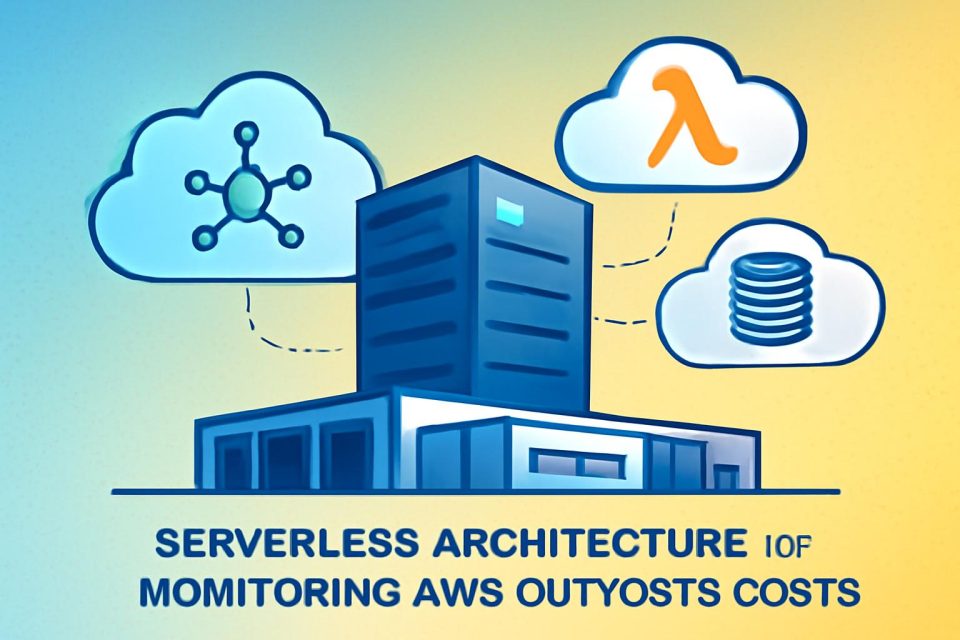
Organizations leveraging AWS Outposts often manage capacity from a single AWS account while sharing resources across multiple accounts through AWS Resource Access Manager (AWS RAM). This article outlines a serverless approach to monitor and report costs associated with shared AWS Outposts environments using Amazon EventBridge, AWS Lambda, and Amazon DynamoDB.
This solution enables tracking of instance runtime and allocated storage for services such as Amazon EC2, Amazon RDS, and Amazon EBS running on Outposts racks. By implementing this framework, teams can effectively monitor infrastructure costs linked to their workloads across various AWS accounts, allowing for tailored customization to meet specific business objectives.
Reference Architecture
The solution is built on a Terraform-based reference architecture, which includes EventBridge, DynamoDB, and Lambda functions across a multi-account setup. EventBridge captures relevant launch events that trigger Lambda functions, with logs stored in DynamoDB tables. This setup facilitates reporting on event data through the AWS SDK for Python (Boto3).
Prerequisites
Before implementing this solution, ensure the following prerequisites are met:
- A data collection account with necessary permissions.
- Access to AWS services such as EventBridge, Lambda, and DynamoDB.
Deployment Steps
- Create a Bucket: Set up a bucket in-region to store the Terraform state file in the data collection account.
- Clone the Repository: Use the command
git clone https://github.com/aws-samples/sample-outposts-monitoring-and-reports.gitto clone the repository. - Edit Configuration Files: Modify
providers.tfandbackend.tfto configure the AWS provider and set the Terraform state bucket. - Modify Variables: Update
variables.tfwith the target Region and workload accounts. - Deploy Infrastructure: Run
terraform planto review andterraform applyto deploy the infrastructure.
Event Processing
The data collection account will receive events from EventBridge, enabling intelligent analysis and storage of AWS Outposts resource data. Follow similar steps to set up each workload account, ensuring that the event bus name and configurations are correctly updated.
Generating Reports
Once the solution is operational, customized reports can be generated on-demand. Users can modify the provided Python scripts to suit their reporting needs. For example, to view an Amazon RDS usage report for September 2025, users can execute a specific command tailored to their requirements.
Resource Cleanup
To clean up resources deployed by this solution, users should manually empty and remove the Terraform state S3 bucket for each workload account and the data collection account.
Conclusion
This solution offers a robust framework for organizations with shared multi-account Outposts deployments, enabling real-time event capture, analysis, and reporting of resource usage. By implementing this serverless architecture, teams can visualize and manage the costs associated with their workloads effectively.