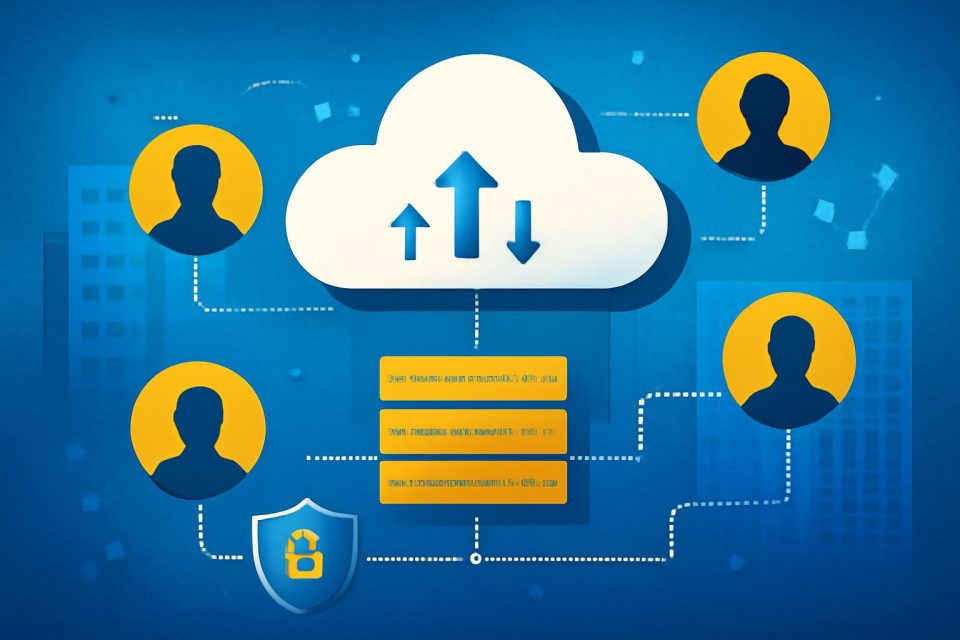
Dev Signal is a multi-agent system designed to convert raw community signals into dependable technical guidance. This article concludes a series focused on its development, detailing the transition from a local prototype to a production-ready service.
The previous parts established core capabilities, including the integration of the Model Context Protocol (MCP) for trend discovery and long-term memory management through Vertex AI. This final segment emphasizes deploying the system on Google Cloud Run, utilizing Terraform for infrastructure management.
Transitioning to Production
The deployment process involves setting up essential components for monitoring, data integrity, and state management in the cloud. Key steps include:
- Application Server Setup: Initializing the FastAPI server to handle HTTP requests and connect to the Vertex AI memory bank.
- Telemetry Implementation: Enabling 'Agent Traces' to monitor internal reasoning and performance.
Building the Application Server
The fast_api_app.py file serves as the entry point for the agent, transforming core logic into a FastAPI server. This server is essential for processing incoming requests and maintaining a connection to the Vertex AI memory bank.
Implementing Telemetry
Visibility into the agent's reasoning is crucial in production. By enabling telemetry features, traces of the agent's operations are exported to Google Cloud Console, allowing for performance monitoring and evaluation.
Monitoring vs. Evaluation
Production tracing is subject to sampling, which means not every request will be visible. Understanding the difference between system traces for general behavior analysis and reasoning traces for specific evaluations is important.
Infrastructure as Code
Utilizing Terraform, the infrastructure is defined in a secure, reproducible manner. Key components include:
- Resources & Variables: Define project specifications and sensitive API secrets.
- Core Infrastructure: Enable necessary APIs and provision a private Artifact Registry.
- Identity & Access Management: Configure service accounts following the Principle of Least Privilege.
- Secret Management: Securely manage API credentials using Google Secret Manager.
- Cloud Run Configuration: Define environment settings for the deployment.
Provisioning the Infrastructure
Before deploying the application, the Google Cloud infrastructure must be provisioned. This includes initializing Terraform, creating a variables file, and applying the configuration.
Containerization and Deployment
The final build process involves packaging the agent's components into a portable container. This is achieved using a Dockerfile and a Makefile to orchestrate the deployment pipeline. Google Cloud Build compiles the source code and updates the Cloud Run service with the new image.
Accessing the Deployed Agent
To interact with the deployed agent, users must be granted the necessary permissions and can access the service securely through a proxy.
Conclusion
With the successful deployment of Dev Signal, developers now have a robust foundation for creating sophisticated, stateful applications on Google Cloud.