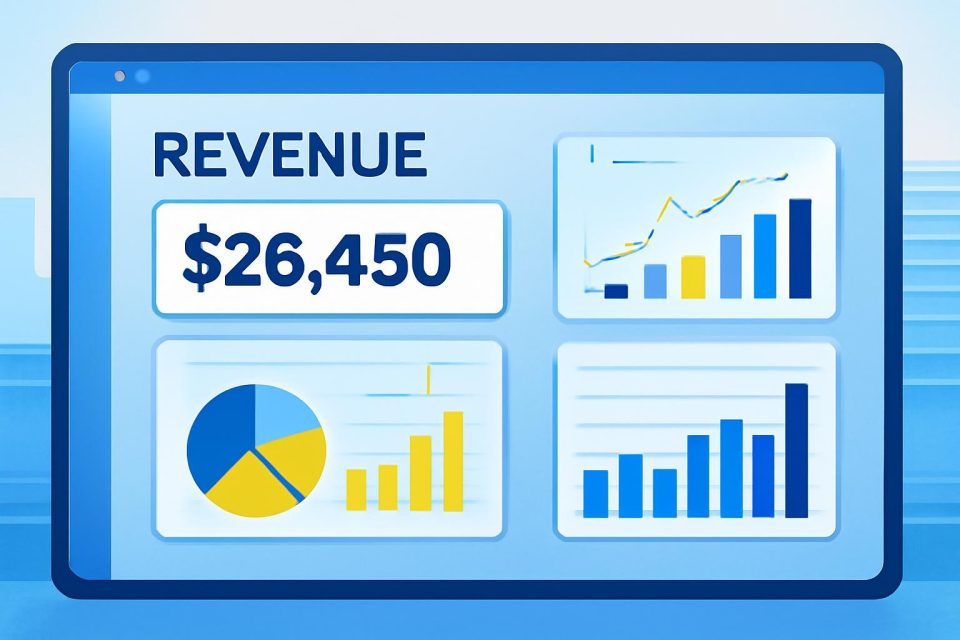
Overview: AWS has introduced the Attributed Revenue Dashboard within AWS Partner Central, designed to provide partners with automated insights into their revenue metrics. This tool aims to enhance visibility into the financial impact of AWS solutions, aiding partners in refining their go-to-market strategies.
Meeting Partner Needs: As the cloud landscape evolves, partners have expressed the need for better ways to illustrate the business impact and return on investment of their solutions. The lack of visibility into revenue generated by AWS solutions has made it challenging for partners to optimize their strategies.
Partner Revenue Measurement: To address these challenges, AWS has launched Partner Revenue Measurement, which enables partners to measure attributed revenue and identify growth opportunities. This initiative establishes a clear connection between partner performance and AWS investment, offering a transparent, data-driven approach to measuring success.
Dashboard Features: The Attributed Revenue Dashboard allows partners to access detailed revenue data categorized by partner product, AWS service, and billing period. Key features include:
- Monthly attributed revenue tracking
- Consumption patterns and workload-level performance metrics
- Identification of growth opportunities
Implementation Options: Partners can initiate Partner Revenue Measurement through one of three implementation methods: Resource Tagging, User Agent string, or AWS Marketplace Metering. This flexibility allows partners to select the option that best fits their solution architecture.
Feedback and Impact: Early feedback from pilot partners indicates that the Attributed Revenue Dashboard represents a significant shift in how AWS acknowledges partner contributions. Partners have noted the ease of implementation and the strategic alignment it fosters.
Getting Started: To utilize the Attributed Revenue Dashboard, partners must migrate to the updated AWS Partner Central experience. For those with multiple AWS Marketplace seller accounts, Subsidiary Account Connections can be employed to gain comprehensive visibility across all seller accounts.
Learn More: Additional information about the dashboard's functionality and Partner Revenue Measurement updates can be found in the Onboarding Guide.