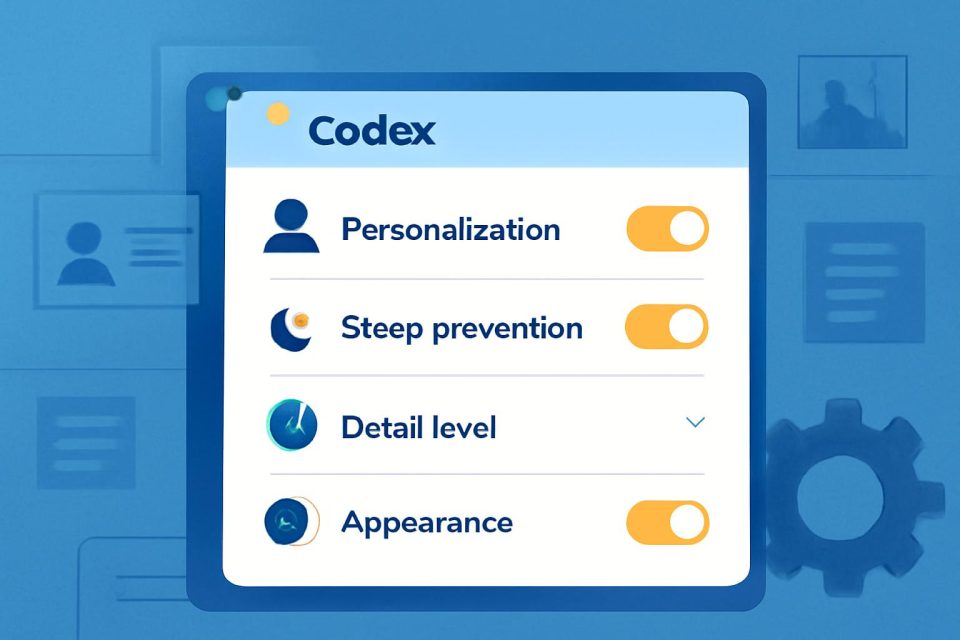
You can access settings from the menu in the bottom left corner of Codex.
For your first few tasks, focus on a few key settings: personalization, prevent sleep, detail level, and appearance.
General > Prevent sleep while running keeps your computer awake while Codex is running. This is useful for longer tasks. If your computer goes to sleep, Codex may stop working.
General > Detail levelcontrols how much information Codex shows while it is working. Coding mode shows the specific commands Codex is executing. If this is more information than you need, switch to Default to keep your conversation cleaner.
Personalization works a lot like personalization in ChatGPT. You can decide whether you want Codex to speak to you in a friendly tone or a direct tone. You can also add custom instructions to Codex, the same way you can in ChatGPT.
Finally, under Appearance > Avatar, you can designate a friendly avatar to help you run Codex tasks in the background. You’ll be able to keep track of its work while you focus on other windows. Drag the avatar around anywhere on your screen, and select it to be brought back to Codex.
You do not need to master every setting before using Codex. Start with these, keep your permissions conservative, and adjust as you learn what kind of work you want Codex to do.
## Continue learning with OpenAI Academy
Discover additional guides and resources to help you build practical AI skills.
How to get started with Codex OpenAI Academy Apr 23, 2026
What is Codex? OpenAI Academy Apr 23, 2026
Automations OpenAI Academy Apr 23, 2026
Our Research * Research Index * Research Overview * Research Residency * Economic Research
Latest Advancements * GPT-5.5 * GPT-5.4 * GPT-5.3 Instant * GPT-5.3-Codex
Safety * Safety Approach * Security & Privacy * Trust & Transparency
ChatGPT * Explore ChatGPT(opens in a new window) * Business * Enterprise * Education * Pricing(opens in a new window) * Download(opens in a new window)
Sora * Sora Overview * Features * Pricing * Sora log in(opens in a new window)
API Platform * Platform Overview * Pricing * API log in(opens in a new window) * Documentation(opens in a new window) * Developer Forum(opens in a new window)
For Business * Business Overview * Solutions * Contact Sales
Company * About Us * Our Charter * Foundation(opens in a new window) * Careers * Brand
Support * Help Center(opens in a new window)
More * News * Stories * Academy * Livestreams * Podcast * RSS
Terms & Policies * Terms of Use * Privacy Policy * Other Policies
(opens in a new window)(opens in a new window)(opens in a new window)(opens in a new window)(opens in a new window)(opens in a new window)(opens in a new window)
OpenAI © 2015–2026 Manage Cookies
English United States