Modernizing applications is essential for cloud adoption, yet it can be a complex and time-consuming process, especially when managing hundreds of codebases. Each application requires thorough analysis and transformation, often leading to inconsistencies and prolonged timelines.
Amazon Web Services (AWS) addresses these challenges with a suite of tools designed for scalable application modernization. AWS Transform Custom allows for reusable, command-line interface (CLI) driven code transformations, while Strands Agents facilitate the coordination of complex workflows. Together with Amazon Bedrock AgentCore, these tools automate and streamline the modernization process, reducing manual effort and improving efficiency.
Building an Agentic Modernization System
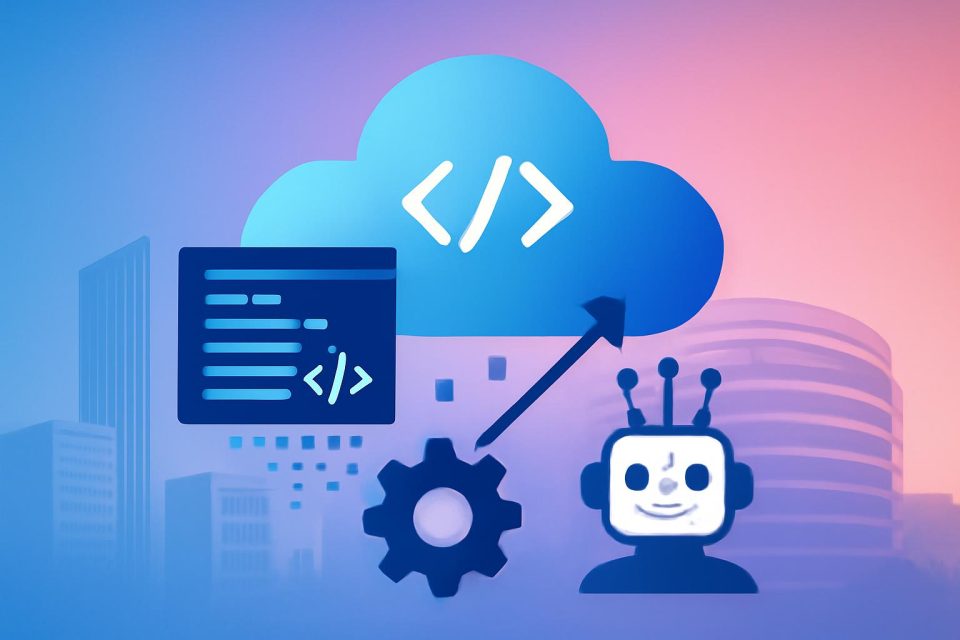
This article outlines how to create a generative AI-powered modernization system that can analyze application repositories, identify necessary changes, generate transformations, and execute them in parallel.
Key Components
- Agentic Architecture: Separates decision-making from execution, allowing for scalable automation.
- React-based Frontend: Users interact with the system through a user-friendly interface or API.
- Asynchronous Processing: Requests are handled via an API layer that coordinates specialized agents.
Workflow Overview
The modernization workflow begins with a detailed analysis of application codebases to identify languages, dependencies, and required upgrades. When a transformation is not available, a creation agent can generate one using natural language instructions, which is then published to a centralized registry for future use.
Once transformations are defined, an execution agent runs them at scale using AWS Batch jobs, enabling parallel processing across multiple repositories. This structured approach ensures reliable execution and effective error handling.
Implementation Steps
- Clone the Repository: Start by cloning the relevant GitHub repository.
- Configure AWS Credentials: Set up the AWS CLI to authenticate your account.
- Deploy the Frontend: Use AWS CDK to deploy the necessary container images and frontend components.
- Deploy Strands Agents: Utilize AWS SAM to set up the AgentCore runtime.
- Access the Application: After deployment, retrieve the CloudFront URL to access the user interface.
Using the Application
The application features five tabs that guide users through the modernization process:
- Browse available transformations
- Execute transformations on individual repositories
- Create new custom transformations
- Batch-process multiple repositories
- Track job status
Users can describe transformations in plain English, allowing the system to generate tailored transformation definitions based on the source code. This process enhances the efficiency of modernization efforts.
Conclusion
This approach to application modernization leverages AWS Transform Custom and Strands Agents to automate repository analysis and transformation mapping. By enabling parallel execution and reducing manual workload, organizations can achieve faster, more consistent modernization across extensive application portfolios.
To implement this solution, deploy it in your AWS environment, experiment with sample repositories, and create custom transformations tailored to your needs.