HBase operations teams often face challenges when it comes to identifying root causes of inconsistencies. Traditional methods require extensive manual log correlation and deep expertise, leading to prolonged resolution times and operational inefficiencies. As HBase deployments grow, the need for a more efficient troubleshooting solution becomes critical.
This article outlines a method for developing an AI-driven troubleshooting solution utilizing Amazon OpenSearch Service. By leveraging vector search and intelligent analysis, organizations can reduce HBase inconsistency resolution times from hours to minutes and root cause identification from days to hours.
Key Components of the Solution
The solution integrates various components to streamline HBase troubleshooting:
- Data processing from Amazon EMR clusters
- Semantic vector embeddings generation
- Natural language querying for intelligent troubleshooting
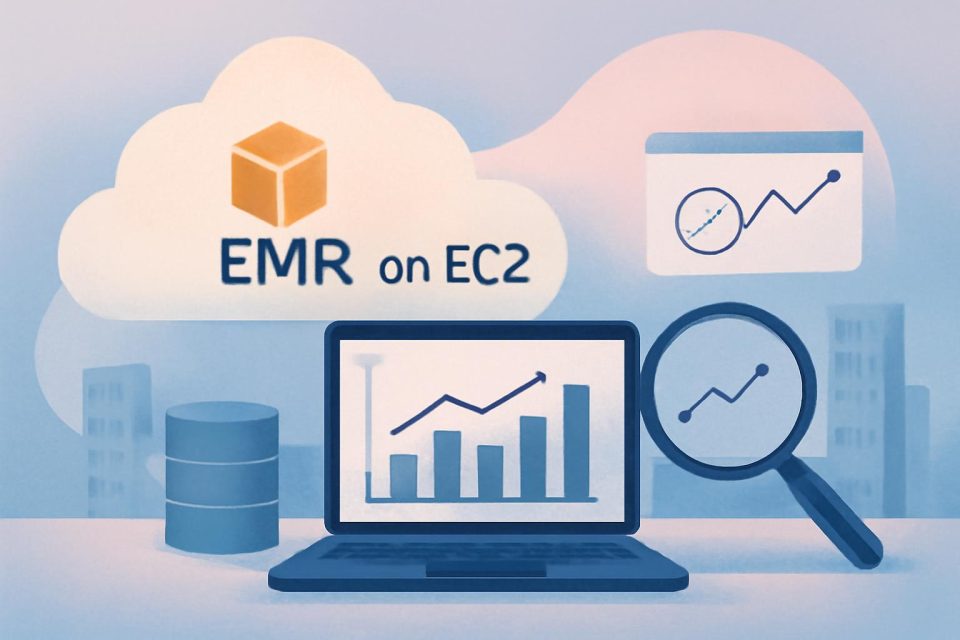
The process begins when an operations engineer connects to the Amazon EMR primary node to run an error collection script. This script gathers logs from HBase master and RegionServer nodes and uploads them to Amazon S3. The engineer then processes these logs using an automated script on an Amazon EC2 instance, which generates semantic vector embeddings and stores them in Amazon OpenSearch Service for efficient searching.
AI-Powered Analysis
After data processing, the engineer utilizes the Kiro CLI AI Assistant to conduct investigations through natural language queries. Kiro analyzes patterns and correlates errors across various components, providing actionable insights that significantly expedite troubleshooting.
Deployment Prerequisites
Before implementing the solution, the following prerequisites must be met:
- Appropriate AWS IAM permissions for infrastructure deployment
- A Kiro subscription
- Integration with AWS Identity Center
Step-by-Step Implementation
The deployment process consists of five key steps:
- Deploy the necessary AWS infrastructure, including Amazon OpenSearch Service and EC2 instances.
- Connect to the EC2 instance and set up required components.
- Configure data collection from Amazon EMR clusters for HBase logs.
- Process the collected data to create vector embeddings for enhanced search capabilities.
- Set up the AI analysis interface for natural language querying.
Conclusion
This AI-powered troubleshooting solution transforms the manual analysis of HBase logs into an automated workflow, significantly enhancing operational efficiency. By utilizing Amazon OpenSearch Service and Kiro CLI, teams can resolve complex inconsistencies rapidly, allowing for improved service reliability and reduced operational costs.