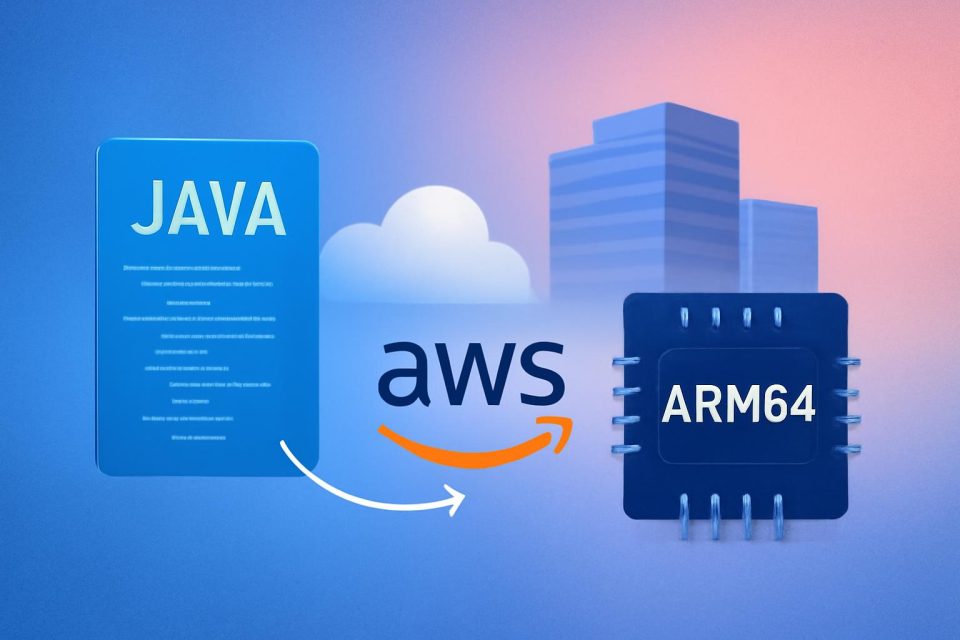
Java applications can benefit significantly from migrating to AWS Graviton, particularly with modern JVMs like Amazon Corretto and OpenJDK optimized for Arm64 architecture. Many Java applications, however, may not be fully modernized or could have various dependencies. A systematic approach to migration can help identify issues and streamline the process.
To facilitate this, AWS has introduced the Java x86 to Graviton Migration transformation using AWS Transform Custom (ATX). This tool analyzes Java codebases, creates migration plans, and executes transformations while maintaining version-controlled commits. With ATX, developers can quickly assess multiple Java applications to determine which require modifications and which can run unchanged, thus simplifying the migration effort.
Key Features of ATX
ATX is accessible through various platforms, including Kiro Power, a VS Code extension, and as an Agent Skill for integration with other AI assistants. It allows for rapid migration to Graviton while providing an open-source Graviton universal skill for flexibility across different platforms.
AWS Graviton processors can deliver up to 40% better price performance compared to x86 instances, making them an attractive option for a wide range of workloads. Utilizing AI tools for migration enhances efficiency and reduces manual effort.
Pre-Migration Recommendations
Before starting the migration, it is advisable to complete any major Java version updates. The Java x86 to Graviton Migration transformation requires at least Java 8 and does not include version updates in its changes.
Transformation Process
The migration process involves several steps, with tasks divided among multiple AI agents within the AWS Transform service. Key capabilities include:
- Automatic detection of Java version.
- Management of runtime switching during analysis.
- Handling of environment complexities such as multi-module project detection and Maven or Gradle auto-detection.
Transformation times vary, but many applications can expect completion in about an hour, particularly for repositories under 300,000 lines of code.
Execution Environment
The transformation should ideally be run on an Arm64 machine. While the agent can identify compatibility issues on x86 machines, it cannot validate builds or run tests in that environment.
Getting Started with ATX
To initiate the transformation, developers should set up their code in an Arm64 environment and ensure all prerequisites are met. It is recommended to work in a local git environment or a separate branch, allowing ATX to commit changes during the transformation process.
Interactive and Campaign Modes
ATX offers two modes for migration:
- Interactive Mode: Allows hands-on migration with developer reviews at each step.
- Campaign Mode: Automates the assessment across multiple applications, providing a high-level overview of migration efforts without requiring manual input after each step.
Post-Transformation Steps
After completing the transformation, performance testing on Graviton instances is crucial to configure scaling policies effectively. Each logical change made during the transformation is recorded as a separate commit, allowing for easy rollback if needed.
Conclusion
The AWS Transform Custom Java x86 to Graviton Migration transformation simplifies the migration process by utilizing AI for dependency analysis and runtime validation. This tool enables development teams to evaluate and migrate hundreds of Java applications efficiently, ensuring a smooth transition to Graviton.