Google Cloud Storage (GCS) serves as a vital infrastructure for modern AI technologies, particularly in managing unstructured data at scale. As organizations integrate AI agents into their operations, the emphasis is on transforming raw data into meaningful context, facilitating secure and standardized data access. This transformation is essential for enabling AI agents to make informed, high-stakes decisions across various applications, from financial automation to rapid system diagnostics.
This article explores three innovative examples of AI agents developed by customers utilizing GCS, as well as guidelines for securely connecting these agents to GCS through the Model Context Protocol (MCP). With features like auto annotations and object contexts, the GCS MCP server simplifies the deployment of these agents.
Successful Implementations of AI Agents
Organizations are leveraging GCS and MCP to tackle complex challenges effectively:
- Palo Alto Networks has created the Strata Co-Pilot agent, an AI assistant that aids network security administrators in navigating intricate configuration processes. This agent utilizes the Gemini Live API, with GCS acting as its historical memory through the GCS MCP server.
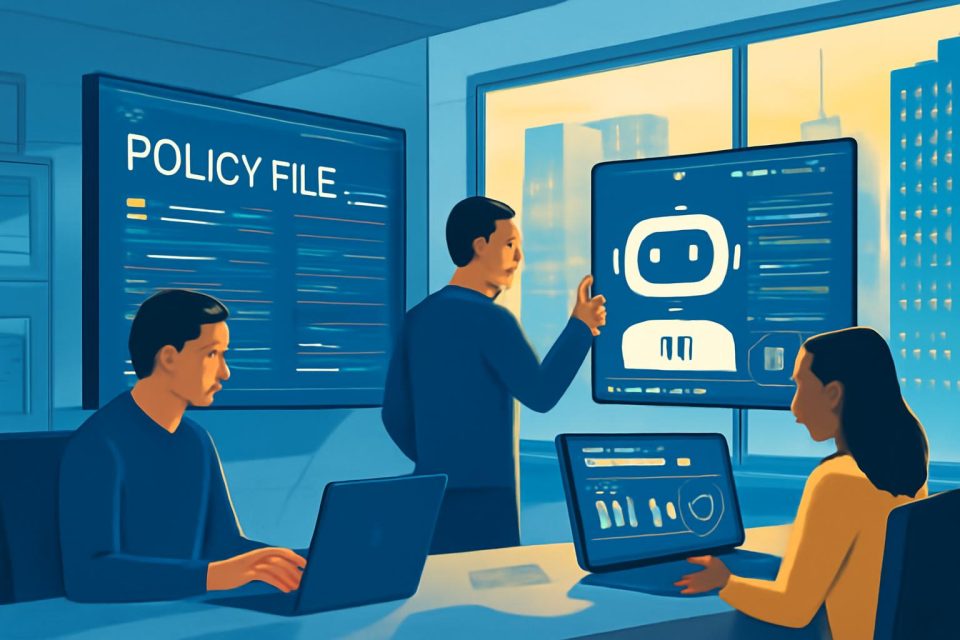
- Airwallex has developed an AI Assistant capable of understanding user context, responding to inquiries, and executing workflows. It can analyze expense policy documents and generate approval workflows, significantly reducing manual processing time.
- Snap employs a Job Optimization Agent that reviews job specifications and historical metrics stored on GCS to identify optimization opportunities, resulting in a drastic reduction in investigation time.
In each case, the GCS MCP server manages data operations and enforces role-based access control (RBAC) policies, ensuring secure and efficient data handling.
Connecting Agents to GCS via MCP
The Model Context Protocol (MCP) has become a standard for linking agents to data sources. However, building custom servers can be time-consuming and may detract from innovation. GCS offers two MCP server options to streamline this process:
- Remote MCP Server: This fully-managed option requires no infrastructure setup. By configuring agents to connect to the managed endpoint, users can access unstructured data effortlessly, allowing for scalable operations without operational burdens.
- Local MCP Server: This self-managed option is ideal for organizations needing tailored tools that align with specific business logic. It allows for unique data transformations, such as redacting sensitive information or integrating additional context from internal systems.
Both options ensure robust security and governance, with the Remote MCP server utilizing Google Cloud's Identity and Access Management (IAM) for authentication and comprehensive logging for observability.
Next Steps for Implementation
Organizations looking to optimize processes or automate workflows can benefit significantly from leveraging their unstructured data. Here are some actionable steps:
- Explore the GCS Remote MCP Server for immediate deployment.
- Visit the GCS Local MCP GitHub repository to start developing custom tools or integrate with the MCP Toolbox for Databases.