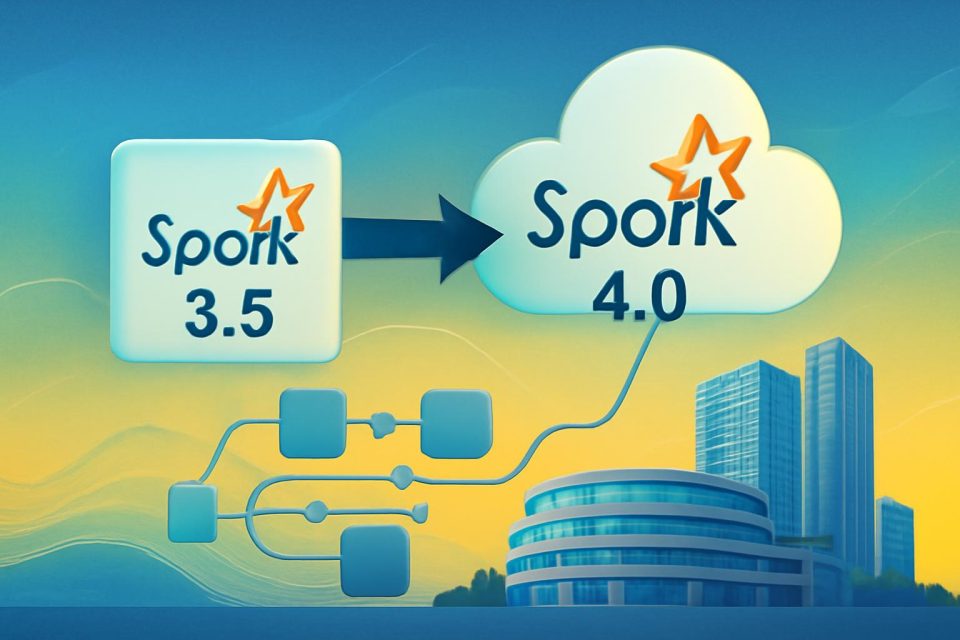
Upgrading Apache Spark applications can be a daunting task, often involving extensive debugging and testing. However, with the AWS Spark Upgrade Agent, this process becomes significantly more manageable, especially when transitioning from Spark 3.5 to Spark 4.0 on Amazon EMR Serverless.
The AWS Spark Upgrade Agent automates the migration process by validating applications iteratively on a live EMR Serverless application. It diagnoses and resolves failures using Amazon CloudWatch logs, ensuring that the job succeeds. This hands-on guide will walk through a complete migration, highlighting key changes and fixes encountered during the upgrade.
Key Changes Addressed
During the migration, four major breaking changes were identified and resolved:
- Removal of legacy configuration keys
- Renaming of compression codecs
- Stricter validation for character sets
- Changes in handling unmappable characters
Prerequisites for Migration
Before starting the upgrade, ensure that the following prerequisites are met:
- An AWS account with appropriate IAM permissions
- Intermediate knowledge of AWS CLI, CloudFormation, and Python
- Installation of Kiro CLI or another MCP-compatible IDE
Setting Up the Environment
The migration process begins with setting up the necessary infrastructure. This includes creating two AWS CloudFormation stacks:
- Stack 1: Sets up an AWS IAM role and an Amazon S3 staging bucket.
- Stack 2: Deploys the source and target Amazon EMR Serverless applications.
After deploying these stacks, the necessary configurations for the AWS CLI profile must be established.
Running the Migration
With the environment set up, the migration can commence. The agent will:
- Generate an upgrade plan by analyzing the project structure.
- Submit the unmodified application to the target EMR Serverless application.
- Diagnose failures and apply fixes iteratively.
Each failure encountered reveals the next breaking change, allowing the agent to apply necessary corrections automatically.
Data Quality Validation
After successfully upgrading the application, the agent performs a data quality validation. This step ensures that the output from the upgraded application matches the expected results from the original version. The agent compares outputs across various dimensions, confirming that the migration has not adversely affected data integrity.
Final Summary and Next Steps
Upon completion of the upgrade, the agent generates a comprehensive summary that outlines job configuration updates, code modifications, and data quality validation results. This summary is crucial for understanding the changes made during the migration.
For those looking to start their own PySpark migration, it is recommended to review the Amazon EMR Serverless documentation and the Apache Spark 4.0 migration guide. Additionally, to avoid incurring ongoing costs, users should delete any resources created during the migration process.