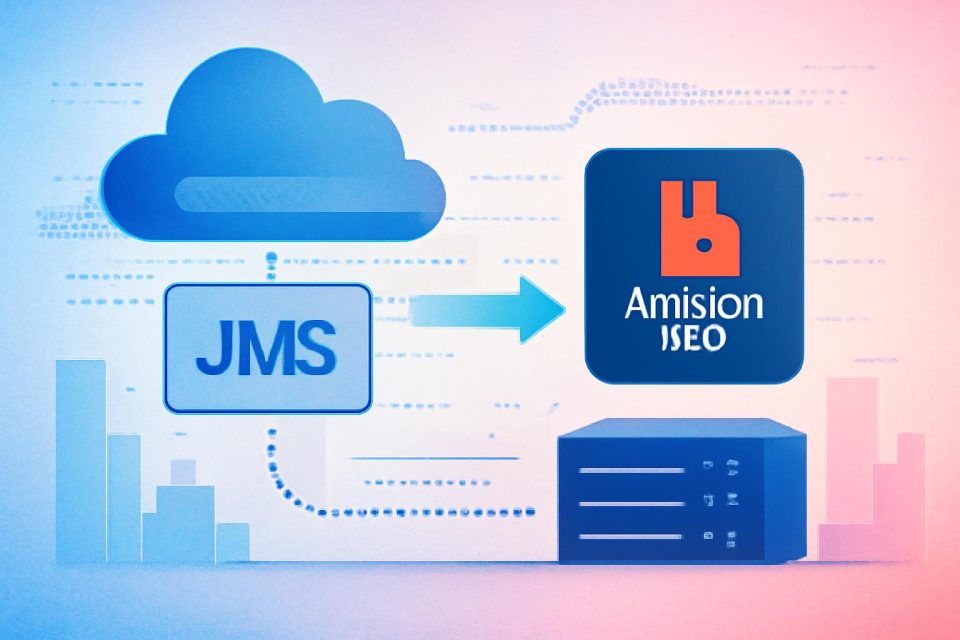
Transitioning JMS applications from on-premises brokers or Apache ActiveMQ to Amazon MQ for RabbitMQ can streamline operations and reduce maintenance overhead. With Amazon MQ version 4 and above, this migration can be accomplished without extensive code rewrites, preserving existing business logic.
This guide provides a comprehensive walkthrough for migrating JMS applications, including broker creation, message handling, and monitoring. A practical example illustrates the migration of an Apache ActiveMQ workload to an Amazon MQ broker utilizing RabbitMQ.
Key Features of Amazon MQ
Amazon MQ supports the RabbitMQ JMS Client and the JMS Topic Exchange plugin, enabling existing JMS applications to connect using familiar APIs. The migration process primarily involves updating the connection factory configuration and broker endpoint, while the core application logic remains unchanged.
Migration Steps Overview
- Create an Amazon MQ broker.
- Configure the connection factory.
- Send and receive messages.
- Monitor with Amazon CloudWatch.
- Validate the migration.
Prerequisites
Before starting the migration, ensure that you have:
- An existing JMS application built on Apache ActiveMQ or another JMS provider.
- A clear understanding of Amazon MQ pricing and configurations.
Creating the Broker
To create a broker, use the command line to set up a single-instance broker running RabbitMQ. Ensure to replace placeholders with appropriate values for the broker name and credentials. Note that for production environments, brokers should be created in private subnets to enhance security.
Updating Application Configuration
To migrate, replace ActiveMQ client dependencies with the RabbitMQ JMS client in your project configuration. The following changes are necessary:
| Aspect | Before (ActiveMQ) | After (Amazon MQ) |
|---|---|---|
| Dependency | ActiveMQ Client | RabbitMQ JMS Client |
| Connection Factory | ActiveMQConnectionFactory | RMQConnectionFactory |
| Protocol | tcp:// | amqps:// |
Message Handling
Utilize the RabbitMQ JMS Client to connect Java applications to Amazon MQ. This client translates JMS API calls into AMQP messages, allowing non-Java services to consume messages seamlessly. The migration supports various JMS versions, ensuring compatibility with existing applications.
Monitoring and Validation
After migration, utilize the RabbitMQ management console for real-time insights into broker operations. Additionally, Amazon CloudWatch provides persistent monitoring and alerting capabilities. Set alarms for key metrics like MessageCount and ConnectionCount to identify potential issues early.
Next Steps
Once the migration is complete, consider leveraging native AMQP clients for broader service integration. This transition not only enhances messaging capabilities but also positions the application for future growth and scalability.