In the evolving cloud-native environment, maintaining the integrity and authenticity of serverless functions is paramount for security and compliance. Organizations are increasingly challenged by the risk of executing tampered or malicious code within their AWS Lambda functions, especially as deployment pipelines grow more complex.
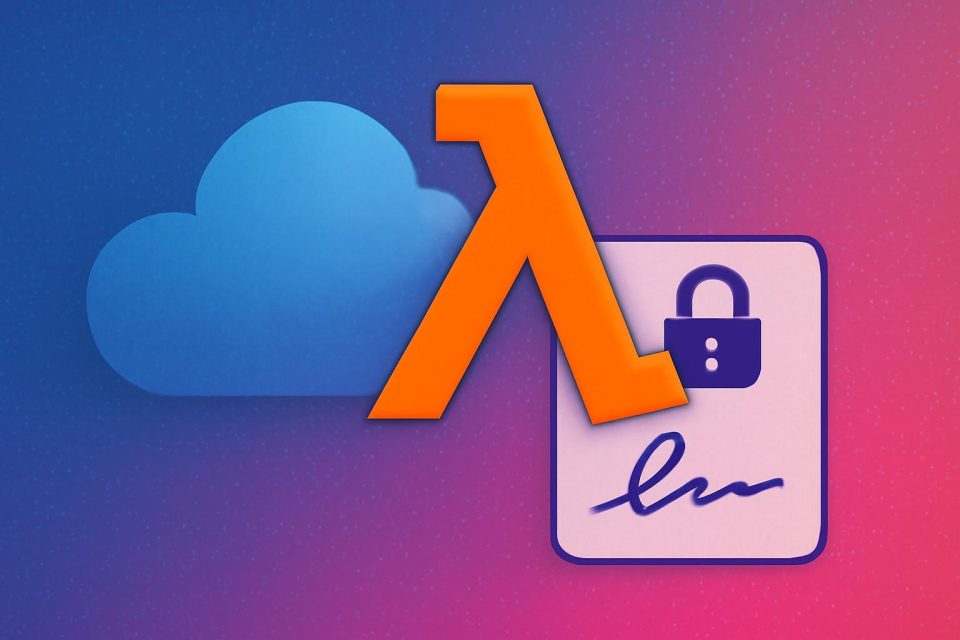
AWS Lambda code signing offers a robust solution that ensures only trusted, unaltered code is executed. By leveraging digital signatures, developers can verify code integrity and authenticate its source, establishing a secure foundation for serverless applications.
This guide outlines the steps to implement AWS Lambda code signing using Terraform, creating an automated security framework that prevents unauthorized code execution while ensuring operational efficiency.
Architecture Overview
The proposed solution utilizes AWS Signer to create a comprehensive code signing pipeline, which automatically signs Lambda deployment packages and enforces signature validation during runtime. Key components of the architecture include:
- AWS Signer: Manages signing profiles and jobs using strong cryptographic algorithms.
- Amazon S3: Stores both original and signed Lambda code with versioning enabled.
- AWS Lambda: Deployed with code signing enforcement within a VPC environment.
- AWS KMS: Provides encryption for CloudWatch logs and SQS dead letter queues.
- VPC Configuration: Ensures Lambda execution is isolated in private subnets with VPC endpoints.
Implementation Steps
The deployment process involves several key steps:
- Create a Signing Profile: Define the signing profile resource in Terraform, utilizing the
AWSLambda-SHA384-ECDSAplatform for strong cryptographic security. - Configure Code Signing Policies: Set the
untrusted_artifact_on_deployment = "Enforce"policy to reject unsigned or improperly signed code. - Set Up S3 Bucket: Create a versioned S3 bucket to store the Lambda function code, as AWS Signer requires versioning for signing jobs.
- Automate Signing Jobs: Upload the Lambda code and configure the signing job to generate signed artifacts.
- Deploy Lambda Function: Use the signed artifact for deployment, ensuring that only the signed version is executed.
- Enhance Security Layers: Implement KMS keys with automatic rotation and a least-privilege policy, configure VPC for Lambda isolation, and add necessary VPC endpoints.
Final Steps and Verification
After defining all resources, the infrastructure can be initialized and deployed using Terraform commands:
terraform initto download providers.terraform planto preview resources.terraform applyto provision the stack.
Post-deployment, it is essential to verify the activation of the signing profile, the successful completion of the signing job, and the enforcement of code signing in the Lambda function. If any issues arise, reviewing Terraform outputs can help identify errors.
Conclusion
This implementation not only secures AWS Lambda functions through code signing but also incorporates additional security measures such as encryption and network isolation. By automating the entire process with Terraform, organizations can consistently deploy secure Lambda functions across various environments and uphold high security standards.