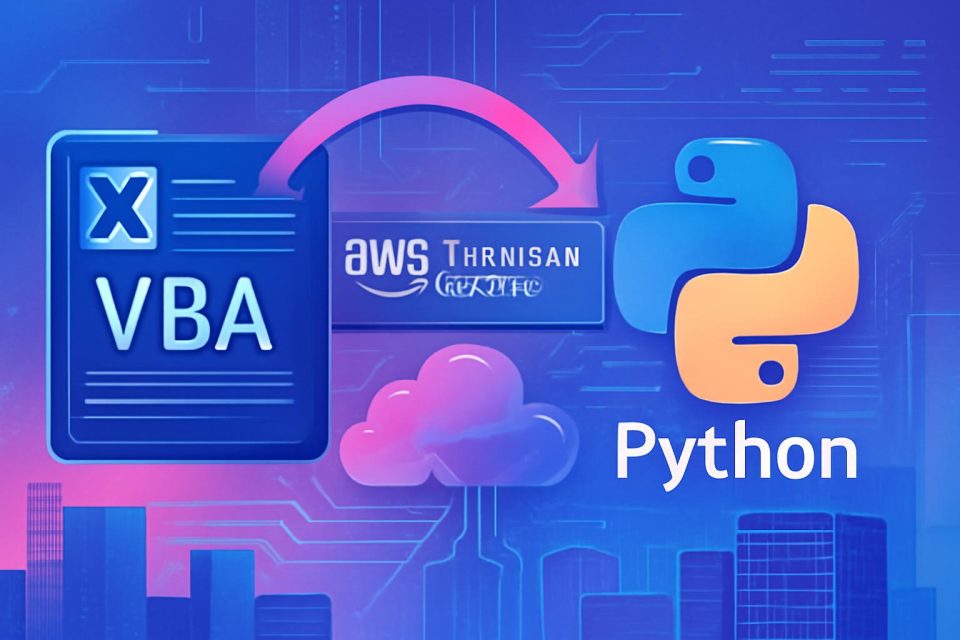
Organizations often rely on numerous Excel VBA applications that house critical business logic. Migrating these applications to modern programming languages like Python can be a daunting task, typically requiring significant time and resources. AWS Transform Custom offers a solution that accelerates this process, transforming weeks of manual work into a matter of hours.
Challenges in Migration: Manual migration of Excel VBA applications can be costly and time-consuming, especially when dealing with large codebases. Traditional AI tools often struggle with the complexities of extensive VBA code, which can exceed their processing limits.
How AWS Transform Custom Works: This tool facilitates the migration through a structured, three-phase approach:
- Transformation Definition: Users begin an interactive session to outline migration requirements, referencing their VBA code and relevant documentation. The system generates transformation rules that can be refined iteratively.
- Execution and Validation: The tool processes the codebase in manageable chunks, maintaining dependencies and validating builds throughout the transformation.
- Scaling and Reuse: Once a transformation is finalized, it can be published for reuse across multiple projects, allowing for bulk executions and integration into CI/CD pipelines.
Key Features:
- Context Window Management: The system segments code into logical modules, ensuring coherence and tracking dependencies.
- Intelligent Code Restructuring: VBA idioms are mapped to Python equivalents, refactoring code to modern standards.
- Functional Equivalence Preservation: Automated tests are generated to ensure the transformed code behaves as intended, with performance metrics validated against the original VBA applications.
Getting Started: To utilize AWS Transform Custom, users need an AWS account with the necessary permissions. The initial setup involves creating an IAM user and configuring the AWS CLI. The code must be housed in a Git repository for effective processing.
Example Workflow: During the interactive session, users can describe their migration goals in natural language. The system will analyze patterns and generate Python equivalents accordingly. For instance, a user might request to migrate a VBA application to Python, prompting the system to begin the transformation definition process.
Common Issues and Solutions: Users may encounter timing differences or color rendering mismatches in the transformed application. Feedback can be provided to refine the transformation process, ensuring that issues are corrected in future executions.
Conclusion: By leveraging AWS Transform Custom, organizations can effectively modernize their legacy Excel VBA applications to Python, enhancing maintainability and enabling cloud-native deployment. This tool not only simplifies the migration process but also supports ongoing improvements and reusability across various projects.